QGIS Cloud
Advanced online GIS mapping with QGIS Desktop
Trusted by over 150,000 GIS professionals all over the world
Recent maps
Trusted by company’s all over the world


Testimonials
Read what our clients have to say about us
Your Advantages With QGIS Cloud
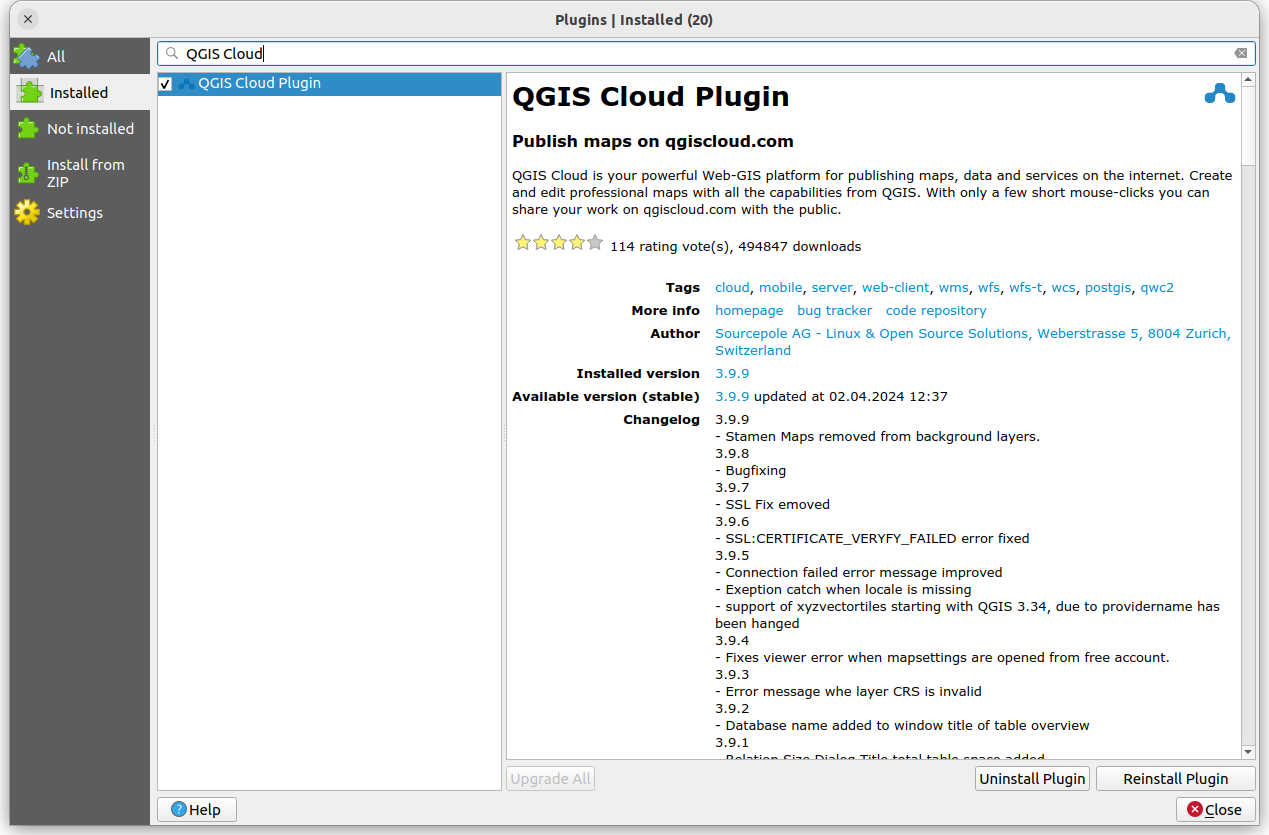
QGIS Cloud is your personal spatial data infrastructure (SDI) on the internet. Publish QGIS projects as maps and data. Share spatial data with others. And all this very easily, without server, infrastructure or expert knowledge. If you know QGIS Desktop, then you know QGIS Cloud. Simply install the QGIS Cloud plugin from the official QGIS plugin repository and you are ready to go.

How QGIS Cloud Works
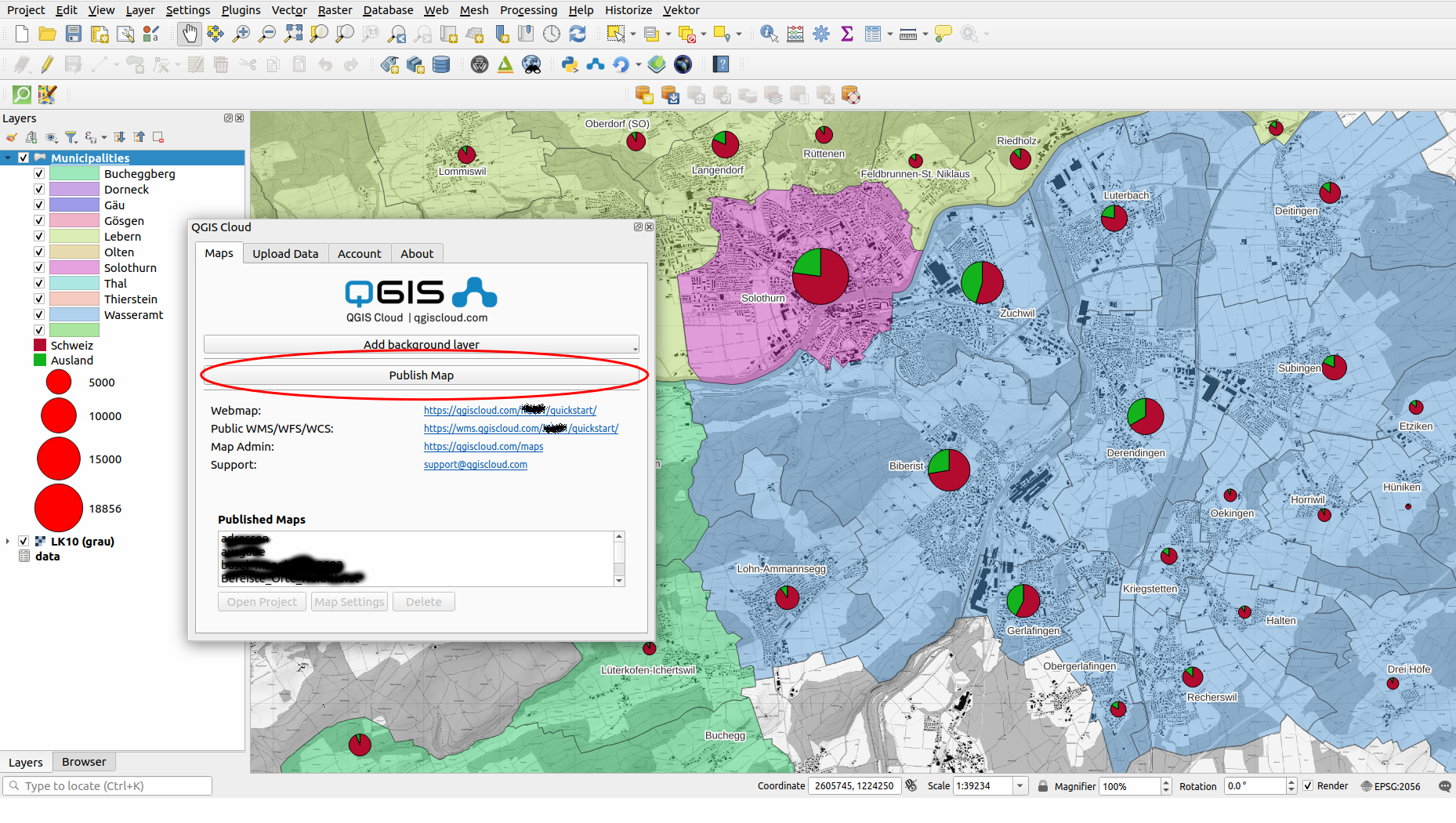
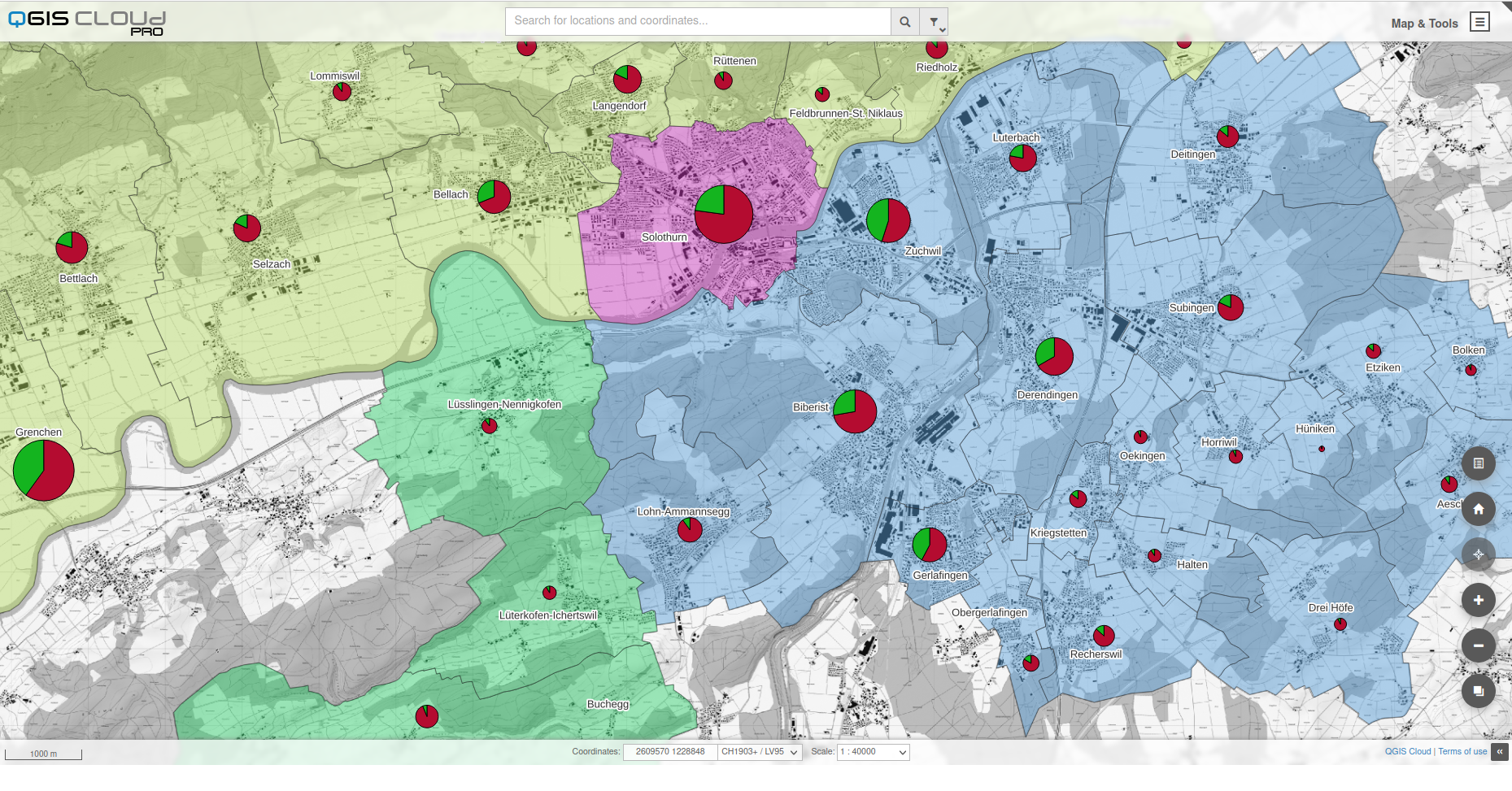
Follow along with our easy-to-understand steps and see firsthand the seamless operation of QGIS Cloud.

Services to Support Your Needs
We offer a range of additional services to ensure a seamless experience with our GIS Cloud solution. Our services include data migration, comprehensive training programs, and dedicated customer support.
Create maps
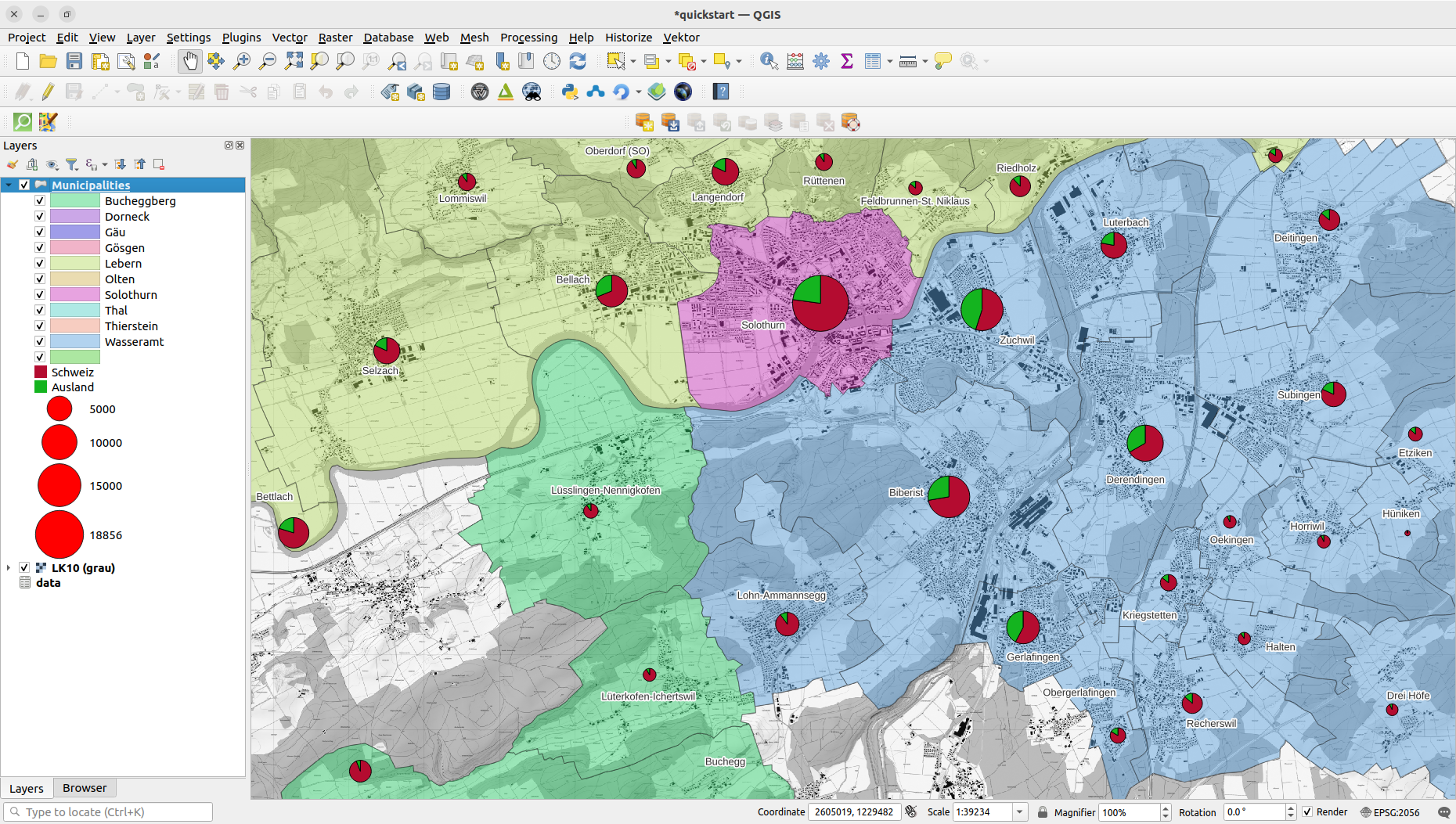
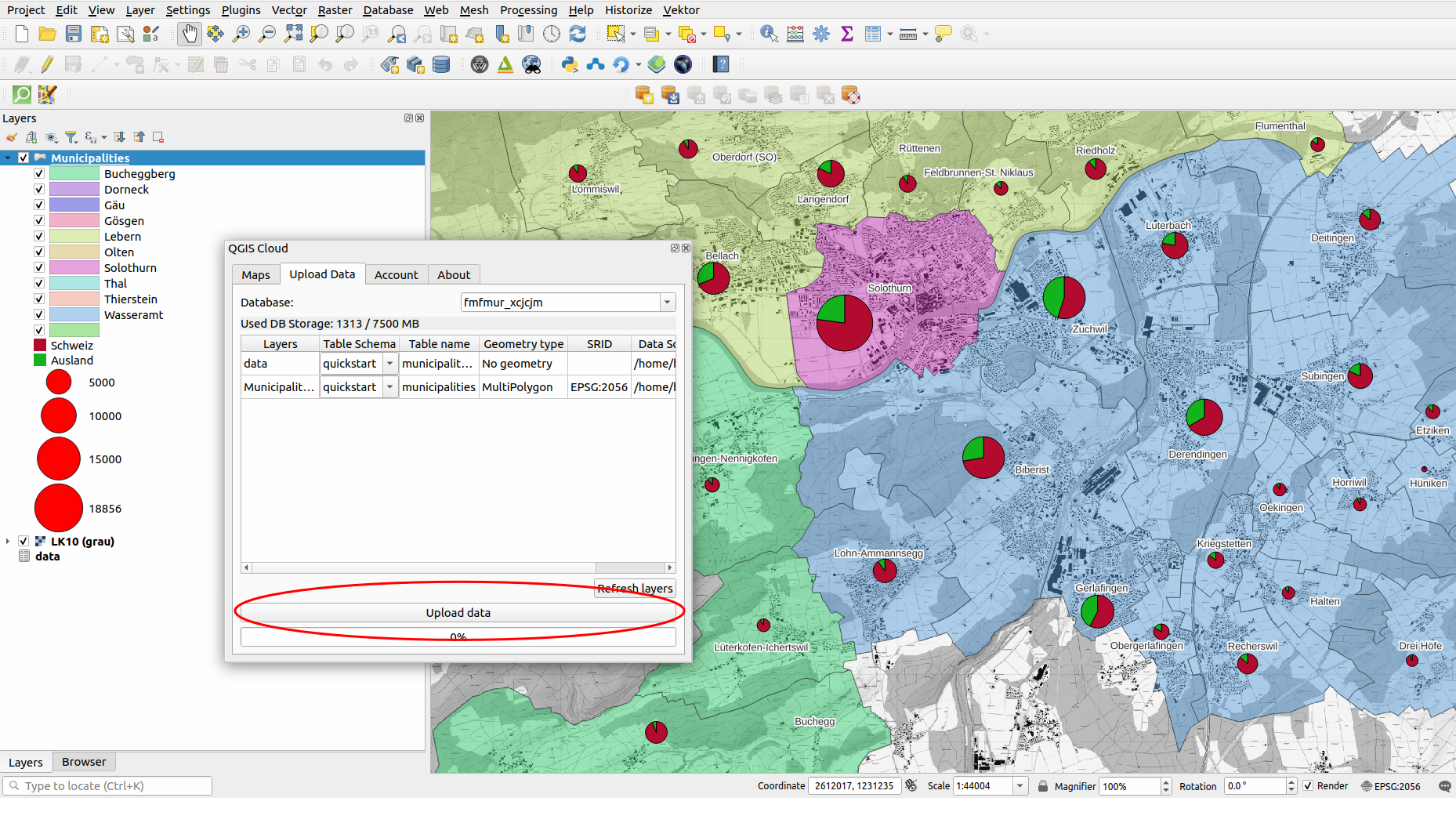
Create complex maps with QGIS desktop, using any of the styling possibilities offered by QGIS desktop. Just as you have always done with QGIS desktop. Then simply publish data and maps with the QGIS Cloud plugin. All this in just a few minutes, it's as simple as it gets.
Manage data
QGIS Cloud gives you a full-featured PostgreSQL 12 databases, extended with PostGIS 3. Create new databases directly from the QGIS Cloud plugin with just a click. Manage your databases with any compatible management tool, such as DBeaver, the QGIS Browser or the QGIS DB-Manager. You have full access to all features of a PostgreSQL/PostGIS database.
Security
The data is stored in the cloud in PostgreSQL databases. Access to the databases is protected with a password, and accessed through SSH. If you want to share your services only to a restricted group of people, then you can limit access to the resources. For this, you'll need QGIS Cloud Pro. With QGIS Cloud Free, all QGIS Cloud services are openly accessible.
Print maps
Offer high quality maps via WMS for printing. Just create as many print compositions as you please with QGIS Desktop, with all the options it offers to you. Compose maps for arbitrary paper formats, with printing resolution up to 1200 dpi.
Share information and data
Share your maps and data over OGC (Open Geospatial Consortium) compliant web services. Display your maps via WMS, or download the data via WFS. With WFS-T, you can edit your data directly over the web service. Or use the QGIS Cloud WebGIS and Mobile Client integrated in QGIS Cloud. If your information and data should not be publicly accessible, QGIS Cloud pro allows you to restrict access by protecting the resources with a password.
FAQs
Find answers to the most commonly asked questions about our GIS Cloud solution.
With QGIS Cloud, you can provide GIS data and maps online without having to set up your own server.
QGIS Cloud allows users to upload GIS projects from the QGIS desktop application to the cloud to create interactive maps and publish and manage them online.
Yes, QGIS Cloud employs industry-standard security measures to protect your data and ensure its confidentiality.
Absolutely! QGIS Cloud offers collaboration features by allowing users to easily share their published maps and data so that others can access, interact with, and provide feedback.
Please visit our Pricing page to see the different subscription plans we offer.